Baby shower photo sharing: how to get every guest's photos
Updated 17 November 2026
For baby shower photo sharing, choose one place before the day and put it on the invitation: an iPhone or Google Photos shared album if guests will add their photos afterwards, or a shared camera such as SEENCAM if you'd rather every photo land in one place as it's taken. Below are the options and their limits, then photo ideas and a shot list for the afternoon.
What makes baby shower photos different
A shower is an afternoon of people who love the parents-to-be, some of them meeting for the first time, and nobody is posing. Two things make the photos worth planning. The guest of honor is busy opening gifts and saying hello, so they rarely take a photo themselves. And the host is busy running the party. Everyone else takes pictures, and most of them never leave their phones.
Baby shower photo sharing: getting every guest's photos in one place
Pick one place, set it up before the shower, and put it on the invitation and a sign by the door. Asking for photos a week later works far less well than telling people where they go before they take them. These are the four ways people actually do it.
An iPhone shared album
In Photos, tap Collections, then Shared Albums, then Add, and make sure guests are allowed to add photos. Here is how to make a shared album on iPhone, step by step.
- Room for everyone: up to 100 people including you, which covers almost any shower.
- Your storage pays: on iOS 27, albums keep full resolution, and everything guests add counts toward your iCloud storage. The free plan is 5 GB.
- Older phones: guests whose iPhones aren't on the latest software have to update, or just look at the album on iCloud.com.
- Android guests: if you make the album on iOS 27, they can join and add photos on the web, without an Apple Account. Our guide to a shared album between iPhone and Android covers how well that works.
- The catch: people have to remember to open the album and add their photos afterwards, and many don't.
A Google Photos shared album
Make an album, tap Share, and send the link or show its QR code. Google says anyone with the link can view the photos and add to the album.
- Plan on an app and an account: to add photos, expect guests to need the Google Photos app and a Google Account. On iPhone the app needs iOS 18 or later.
- Everyone sees everything at once, with the name of whoever added it. That matters if the parents-to-be haven't shared the name or the sex yet.
- Guests who leave take their photos with them. Google removes everything a person added when they leave the album, so save your favourites to your own library early.
- Plenty of room: up to 20,000 photos and videos in one album.
Our Google Photos shared album guide is written for weddings, and the same steps and limits apply to a shower.
The group chat
The easiest, because people are already there. But a shower brings together friends, coworkers and relatives who aren't all in one chat, and photos come in slowly from the same few people. Messaging apps also shrink photos: in WhatsApp even the HD option still compresses, and only sending a photo as a document keeps the original. Anyone in the chat can forward anything, so it's the hardest place to keep news private.
A shared camera app such as SEENCAM
Everyone joins one camera from their own phone, so every photo lands in one place as it's taken and nobody has to remember to upload anything. With SEENCAM, the host starts a roll in the iPhone app and shares one QR code or link. Guests scan it and shoot: on iPhone the camera opens as an App Clip, and on Android and other phones in the browser, with no app to install and no account.
- It collects what's shot in it. Guests shoot straight into the roll, so photos someone already took with their phone's own camera stay on their phone.
- Shots are counted, and photos wait. Each guest gets the number of shots you set, and nobody sees the photos until the roll opens. Some hosts love the wait; some would rather see everything straight away.
- The host needs an iPhone (iOS 17 or later). Guests can use any phone.
- Cost: free for up to 10 guests; a bigger shower is a one-time purchase by the host.
Which one to choose
- A small shower where everyone has an iPhone: an iPhone shared album is simple, as long as someone reminds people to add.
- Mixed phones, and everyone already uses Google Photos: a Google Photos album.
- Grandparents, coworkers and friends who won't install or upload anything: a shared camera, because guests only have to scan and shoot.
- Want both? Plenty of hosts use a shared camera for the afternoon and an album for photos people took anyway.
Real disposable cameras on the tables are fun too, but someone has to collect them and get them developed before anyone sees a photo. For a bigger event, our guide on how to collect wedding photos from guests goes through the same options at a larger scale.
A shot list for the afternoon
Give this to a friend, or print it for the gift table. Most of these only happen once.
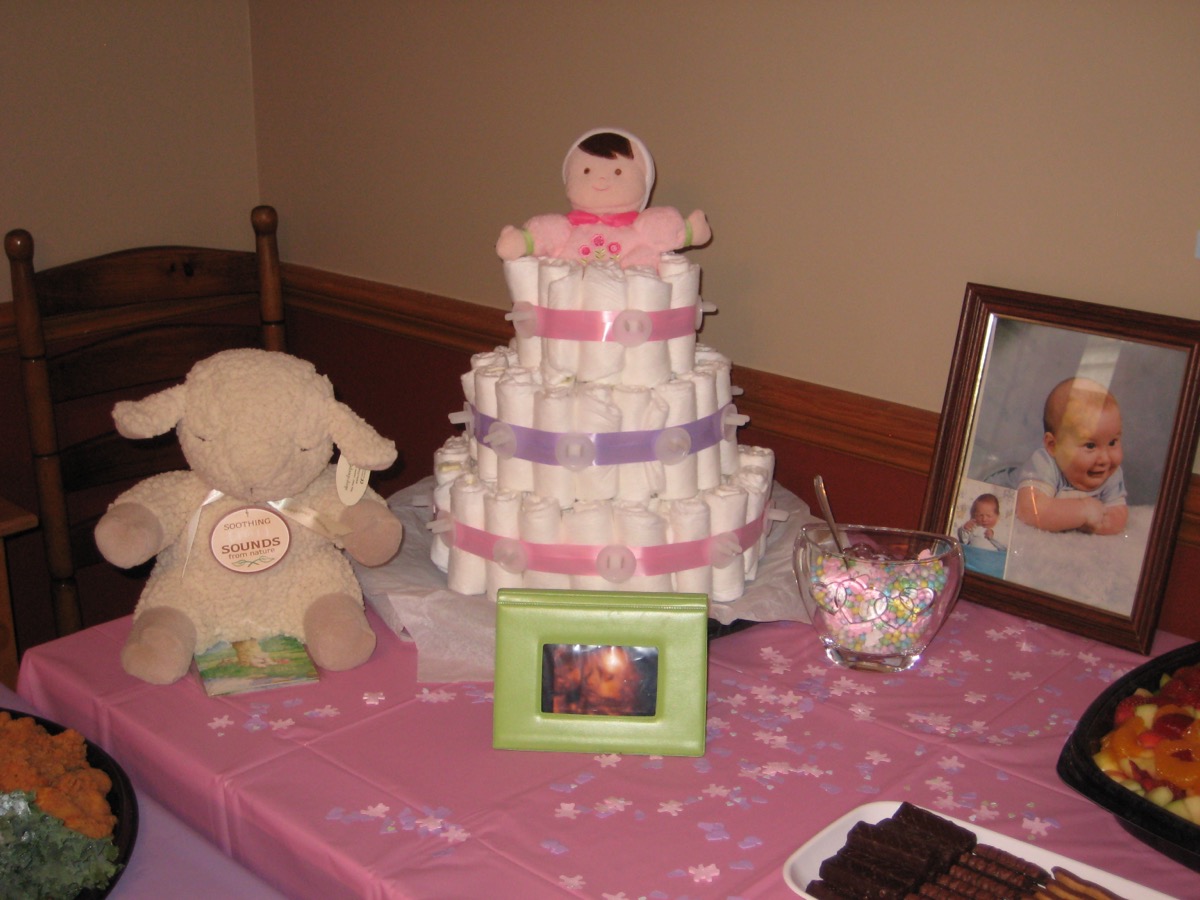
- The room before anyone arrives: the table, the cake, the decorations, the welcome sign.
- The guest of honor arriving, and their face when they first see the room.
- The parent-to-be with each guest. Easy to forget, and the photos most often printed later.
- The grandparents-to-be, together and with the parents-to-be. If both families are there, get them all in one photo early.
- The games: the guessing, the laughing, whoever takes it far too seriously.
- Gift opening, including the faces of the people who gave each gift.
- The cake, before it's cut and while it's being cut.
- The last group photo, before anyone leaves.
Add a few short videos too: the gift that makes everyone go quiet, a toast, a grandparent's speech. Ten seconds is plenty.
Photos with every guest
A shower guest list is usually agreed with the guest of honor and kept to their nearest and dearest, so a photo with each person is realistic. A few ways to make it happen:
- Pick one spot with good light, near a window or outside, and bring people over one or two at a time while the party carries on.
- Do it early. Older relatives often leave first.
- Give the job to a friend, not the host. The host has enough to do.
- Remember the people who couldn't come. Take a photo of their gift with its card, so the parents-to-be can send it to them.
Gift-opening photos for the thank-you notes
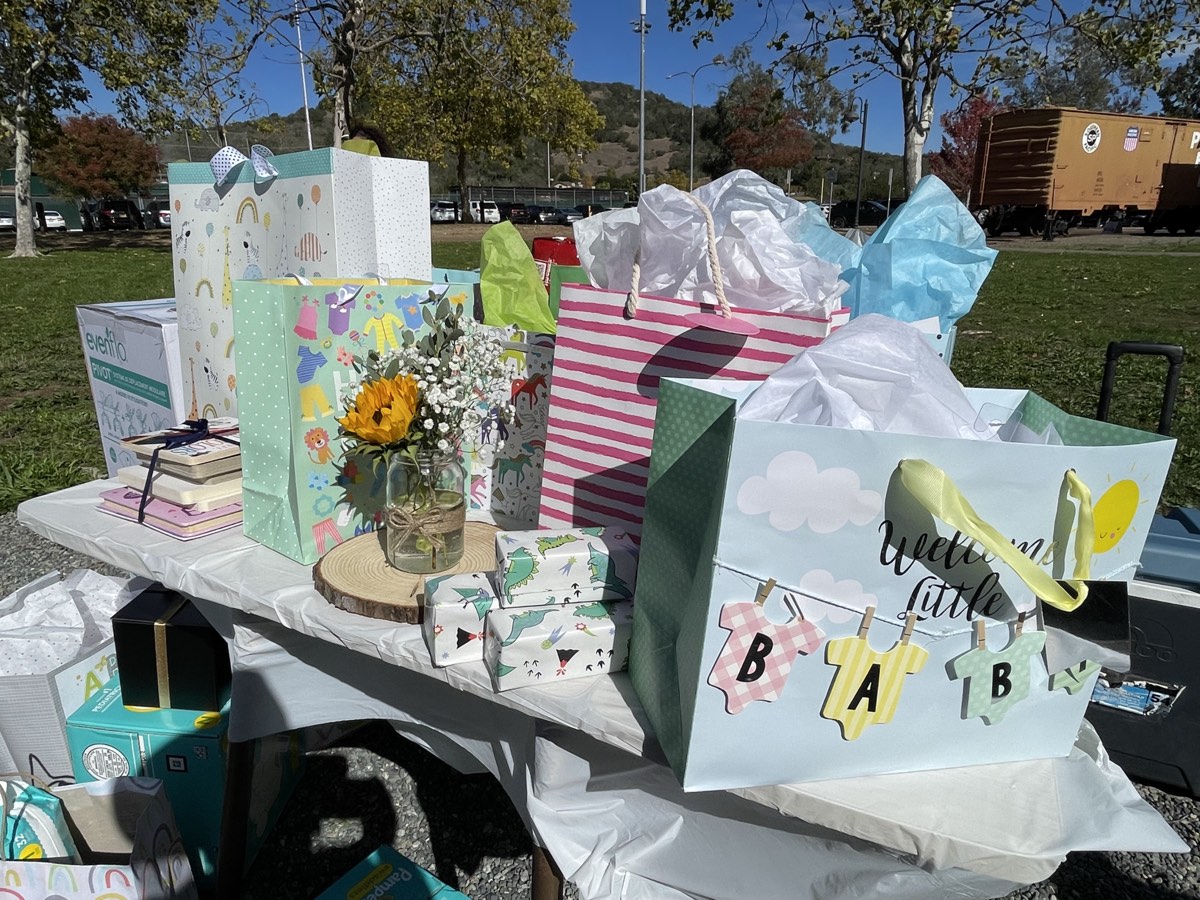
Whether gifts are opened at the party is up to the parent-to-be. If they are, a few photos now save a lot of work later.
- Photograph each gift with its card before the paper comes off. Afterwards, nobody remembers who brought what.
- Catch the giver's face as it's opened. It makes a lovely photo to send with the thank-you note.
- Sit close to the guest of honor, with the light behind you, not behind them.
Indoor photos that come out
- Use the windows. Turn people toward the daylight rather than away from it.
- Hold still and take two. Indoors, the second one is often sharper.
- Wait a second after the posed photo. The laugh right after is usually the better picture.
- Take the details while the room is quiet: the cake, the flowers, the gift table.
Ask before anything goes online
Baby showers come with news. Some parents haven't shared a name yet, or the sex, or even many photos of the bump. A simple rule works well: nothing goes online until the parents-to-be have said it's fine. Put it on the invitation or say it once at the start.
Want to try it? SEENCAM gives your guests one QR code. They shoot from their own phones with no app to download, and every photo develops together when the roll opens. Free for up to 10 guests.
Get SEENCAM on the App StoreSetting it up with SEENCAM
- Create a roll in the SEENCAM app on your iPhone and name it after the parents-to-be.
- Choose the rules: how many shots each guest gets, when shooting stops, and when the photos appear: during the shower, when it ends, or 12 or 24 hours later.
- Share the code. Put the link on the invitation, and print the QR code for the door and the gift table.
- Guests shoot from their own phones. Nobody installs anything or makes an account: on iPhone the camera opens as an App Clip, and on any other phone it opens in the browser.
- The roll opens at the time you chose, and everyone sees the whole afternoon at once. Save your favourites or the whole roll.
Why it suits a baby shower
- Nothing gets posted mid-party. Photos stay hidden until the reveal, which gives the parents-to-be a chance to see them first.
- It stays private. Rolls are invite-only, and the host can set the roll so each guest sees only the photos they're in.
- Everyone finds themselves. Guests who take a selfie when they join can find every photo they're in. The matching happens on their phone, and faces are never uploaded.
- Messages for the baby. Guests can leave the host a voice note of up to 12 seconds, sealed until the reveal. Ask everyone for a wish for the baby, then play them for the parents-to-be when the roll opens.
- The extras. Eight film camera looks, a 4-second clip when you hold the shutter, writing on photos, and a reel of the shower for an Instagram Story, once the parents have said yes to posting.
Holding a meet-the-baby party after the birth instead? The same setup works, and the same rule about posting matters even more.
Wording for the invitation and the table
- "Help us remember the day: scan to join our camera. No app needed. The photos open tomorrow morning."
- "Please don't post anything until the parents-to-be have seen it."
Group size and cost
Every roll is free for up to 10 guests. For a bigger shower, the host buys a bigger roll once, with no subscription, and can add more guests after the roll has started. Guests never pay.
Sources
- Baby Shower Etiquette: When Do You Have a Baby Shower and More, Pampers
- Baby shower etiquette 101, Evite
- Shared Albums limits, Apple Support
- Share photos & videos, Google Photos Help
Related guides
One camera for the whole shower
Start a roll on your iPhone, share one code, and every guest's photos develop together when the roll opens. Free for up to 10 guests.
Get SEENCAM on the App Store