How to make a wedding reel from guest photos
Updated 12 November 2026
A wedding reel from guest photos is a short, vertical video of the day as your guests saw it. Gather everyone's photos in one place, choose 15 to 30, put them in story order, and let the Photos app or Instagram set them to music. Here is how, step by step.
What makes a good guest-photo reel
Your photographer's film will cover the vows and the portraits. A reel made from guest photos shows everything else: the table that never stopped laughing, your aunt on the dance floor, the sparklers at the end. It doesn't need to be polished. It needs to be short, in order, and full of faces. And you can make it the week of the wedding, long before the photographer's gallery arrives.
- Keep it short. Instagram says reels can run from 3 seconds to 3 minutes, and suggests 15 to 60 seconds for most. For a wedding, 30 to 60 seconds of 15 to 30 photos feels full without dragging.
- Tell the day in order. Getting ready, the ceremony, the party, the send-off. People follow a story even when each photo is only on screen for a second or two.
First, get the photos in one place
This is the slow part, and no editing app can do it for you: a reel can only use the photos you have, and the day after a wedding they're spread across a hundred camera rolls.
- Before the wedding: decide where photos go and make it easy for guests to put them there during the party. Here is how to collect wedding photos from your guests.
- After the wedding: ask soon, with one link and a deadline. Here is how to get photos from wedding guests after the wedding, and how to make a shared album on iPhone.
- Ask for the photos themselves, not screenshots of them. Screenshots lose detail and pick up phone status bars.
Choose the photos
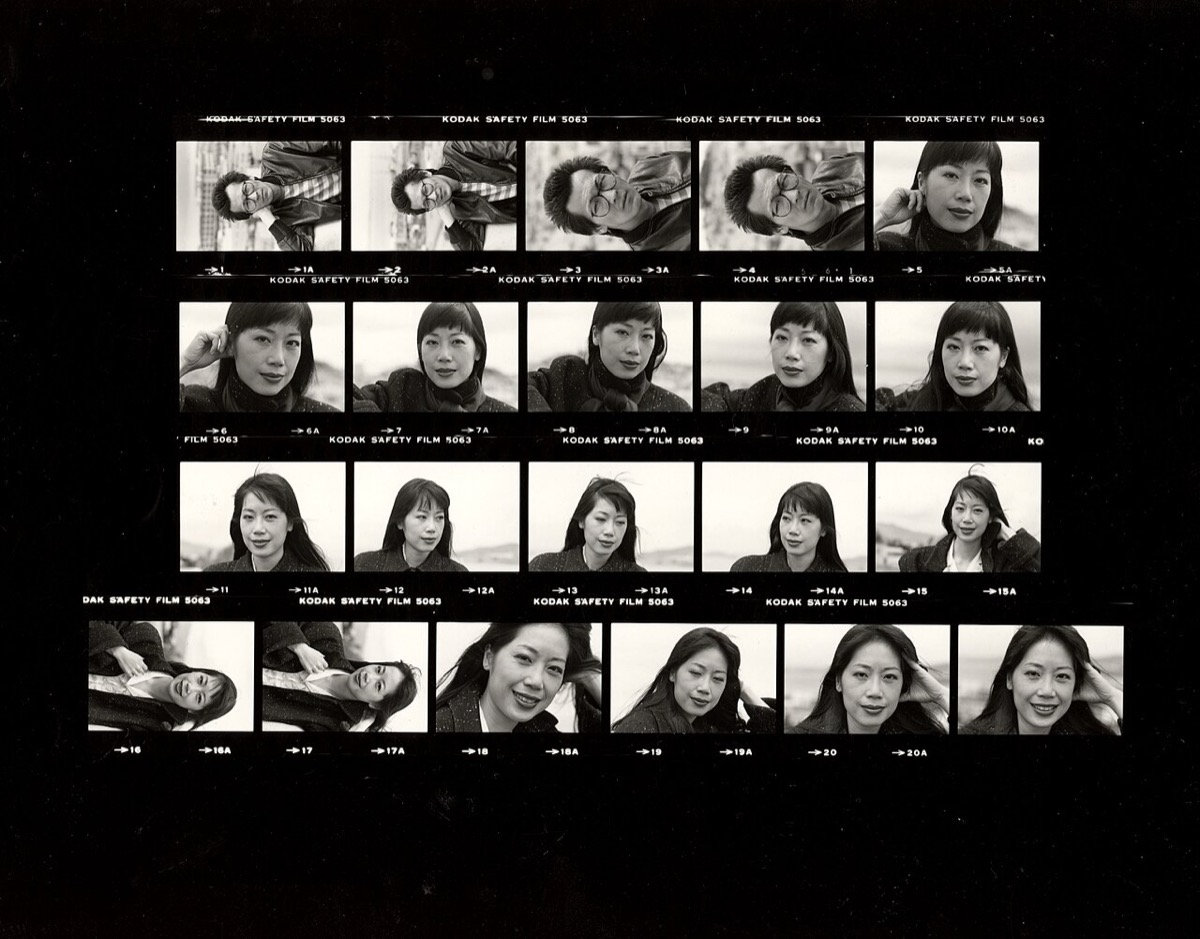
Guests take lots of photos of the same moment. Go through them like a contact sheet and keep one of each. A list to work from, in story order:
- Getting ready: the dress on a hanger, buttons, a mirror selfie.
- Guests arriving and finding their seats.
- The ceremony, if phones were allowed (skip it if you had an unplugged ceremony).
- Confetti or the walk back down the aisle.
- You two with friends, the way your friends framed it.
- Speeches: the speaker, then the table laughing.
- The first dance, then the dance floor filling up.
- Late night: shoes off, the last song, the send-off.
A few tips as you choose:
- Mix wide shots and close ones. A whole room, then a face, then a hand with a glass.
- Mind the tall frame. Reels fill a phone screen top to bottom, so a wide group photo gets cropped at the sides or shown small. Check nobody's face is cut off.
- Add two or three short videos. A few seconds of the first dance or a laughing table brings the photos to life.
- Leave out the ones someone would hate: eyes closed, mid-bite, or anyone who'd clearly rather not be in it.
Make it on iPhone with the Photos app
Every album in Photos can play as a memory movie set to music, which makes this the quickest free way to a reel.
- Put your chosen photos in one album.
- Play it as a movie: tap Collections, open the album, and tap the play button.
- Change the feel: tap the screen, tap Customize, then Customize Look to try different combinations of song, pacing and style.
- Pick the music: under Customize, tap Music, then Change Song. Apple Music subscribers can browse the whole catalogue.
- Set the length: Transition and Duration lets you choose short, medium or long, and a transition such as crossfade.
- Fix the order: tap the screen and open the photo grid, then touch and hold a photo and drag it to a new place. You can add or remove photos there too.
- Share it: while it plays, tap the screen, tap the button at the top, then Share for AirDrop, Messages or Mail, or AirPlay to watch it together on a TV.
On an iPhone 15 Pro, iPhone 15 Pro Max or iPhone 16 or later with Apple Intelligence, you can also go to Collections → Memories → Create and type something like "our wedding, from getting ready to the sparkler send-off". Photos picks the pictures and builds a story set to music. It looks through your whole library, so check what it chose.
Make it in Instagram
If the reel is going on Instagram, build it there so the music and text are in place.
- Tap + at the bottom of the screen and choose Reel.
- Tap the gallery icon in the bottom left and choose your photos and videos in order. Photos play as a slideshow, and clips stitch together.
- Tap the music note at the top of the editing screen, find your song, and drag the waveform to the part you want.
- Tap Aa to add your names and the date, and use the timeline to choose when the text appears.
Seen a reel whose timing you love? A template lets you drop your own photos and clips into the same music and timing. Instagram only offers templates for reels with music and at least three clips. For finer control, Instagram's separate Edits app has a more detailed timeline and exports straight to Instagram as a reel. Keep it under 3 minutes: Instagram says longer reels won't be recommended to new audiences.
Want to try it? SEENCAM gives your guests one QR code. They shoot from their own phones with no app to download, and every photo develops together when the roll opens. Free for up to 10 guests.
Get SEENCAM on the App StoreBefore you post
- Ask first before posting other people's children, or guests who keep off social media.
- Credit your guests. Tagging the people who took the best photos is a nice thank-you.
- Send it to the people in it. Not everyone is on Instagram. Share the video in the family group chat too.
Let SEENCAM make the reel
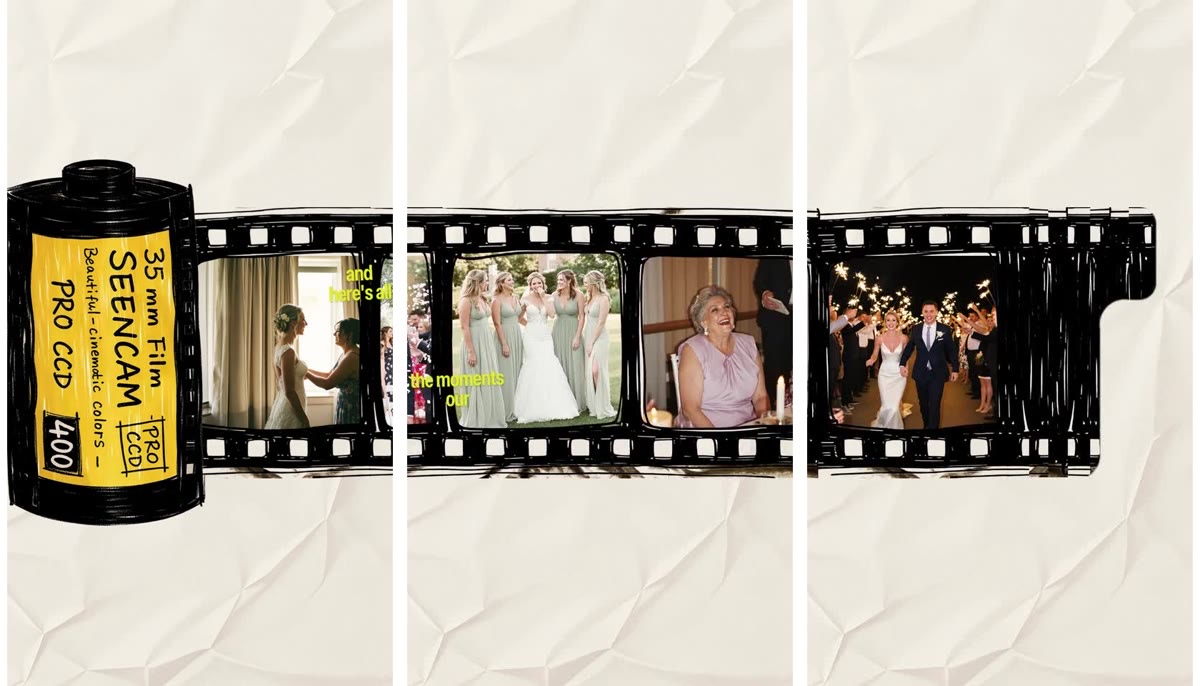
Most of the work above is gathering and sorting. SEENCAM does the gathering during the party: it is a shared disposable camera that works on guests' own phones. Guests scan one QR code and shoot straight into your wedding's roll, each photo in a film camera look, with no app to download and no account. Holding the shutter records a 4-second clip in the same look.
The photos stay hidden until the time you chose. When the roll opens, one tap turns it into a reel you can post straight to your Instagram Story or save to Photos. Tap the brush to write on it, your names or the date, and the words stay on it when you save or share.
Setting it up with SEENCAM
- Create a roll in the SEENCAM app on your iPhone and give it your wedding's name.
- Choose the rules: how many shots each guest gets, when shooting stops, and when the photos appear: during the event, when it ends, or 12 or 24 hours later.
- Share one QR code or link. Here is wording and where to put the code, and a photo scavenger hunt gives guests ideas for what to shoot.
- Guests shoot from their own phones: on iPhone the camera opens as an App Clip, and on any other phone it opens in the browser.
- The roll opens and everyone sees the whole day at once. Make the reel, and save your favourites or the whole roll.
Every roll is free for up to 10 guests. A bigger wedding is a one-time purchase for that roll, with no subscription, and guests never pay.
Sources
- Play memory movies in Photos on iPhone, Apple Support
- Personalize your memory movies in Photos on iPhone, Apple Support
- Share or delete memories in Photos on iPhone, Apple Support
- How to make Instagram Reels: the complete 2026 guide, Instagram
- Instagram Reels, Instagram
Related guides
A reel from everyone's photos
Start a roll on your iPhone and share one QR code. Guests shoot from their own phones, and when the roll opens, one tap turns it into a reel. Free for up to 10 guests.
Get SEENCAM on the App Store