Family reunion photo sharing: how to get everyone's photos in one place
Updated 13 November 2026
The easy way to share family reunion photos is to choose one place for them before the day, tell everyone in the invitation, and label who's who while the people who know are still in the room. Here is a shot list, a plan for the big group photo, and the options for collecting every relative's pictures.
Why reunion photos go missing
A family reunion is the hardest gathering to collect photos from. Three or four generations take pictures on very different phones. The cousins have their own group chat, the aunts have another, and some of the older relatives aren't in any chat at all. Everyone goes home in different directions, and within a week the photos are spread across forty camera rolls.
It matters more than at most parties: a reunion might not happen again for years, and some of the people in the photos won't be at the next one.
Before the reunion
- Pick one place for the photos and put it in the invitation. If people know where photos go before they arrive, far more end up there.
- Ask people to bring old photos: albums, loose prints, the shoebox from the attic. It's the one day the people who can name the faces are all together.
- Choose a photo person who isn't the host, for the group photo and the list below.
- Put the time of the big group photo in the invitation, so nobody has left for the airport.
A shot list for the day
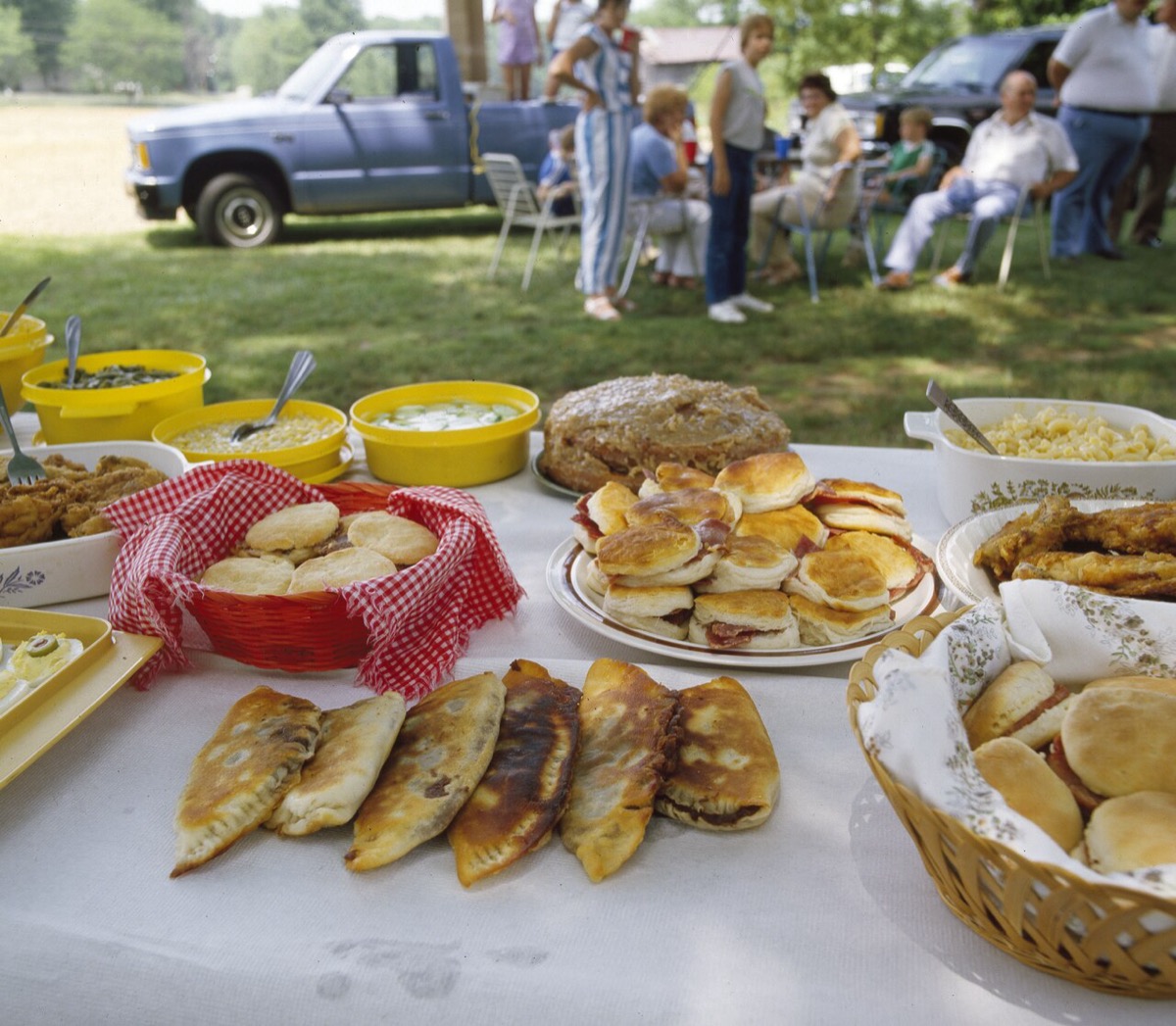
Give this to the photo person, or print it for the welcome table. Most of these only happen once.
- Arrivals: the hugs in the driveway, cousins meeting each other's children.
- The generations photo: the oldest person there with the youngest, and every generation in between.
- Each branch of the family: every sibling with their children and grandchildren.
- Grandparents with each grandchild. Easy to forget, and the ones most often framed later.
- The food, before the line starts, and whoever brought the dish everyone asks about.
- The storytellers: the uncle at the end of the table with everyone leaning in.
- The goodbyes, when nobody is posing.
The big group photo
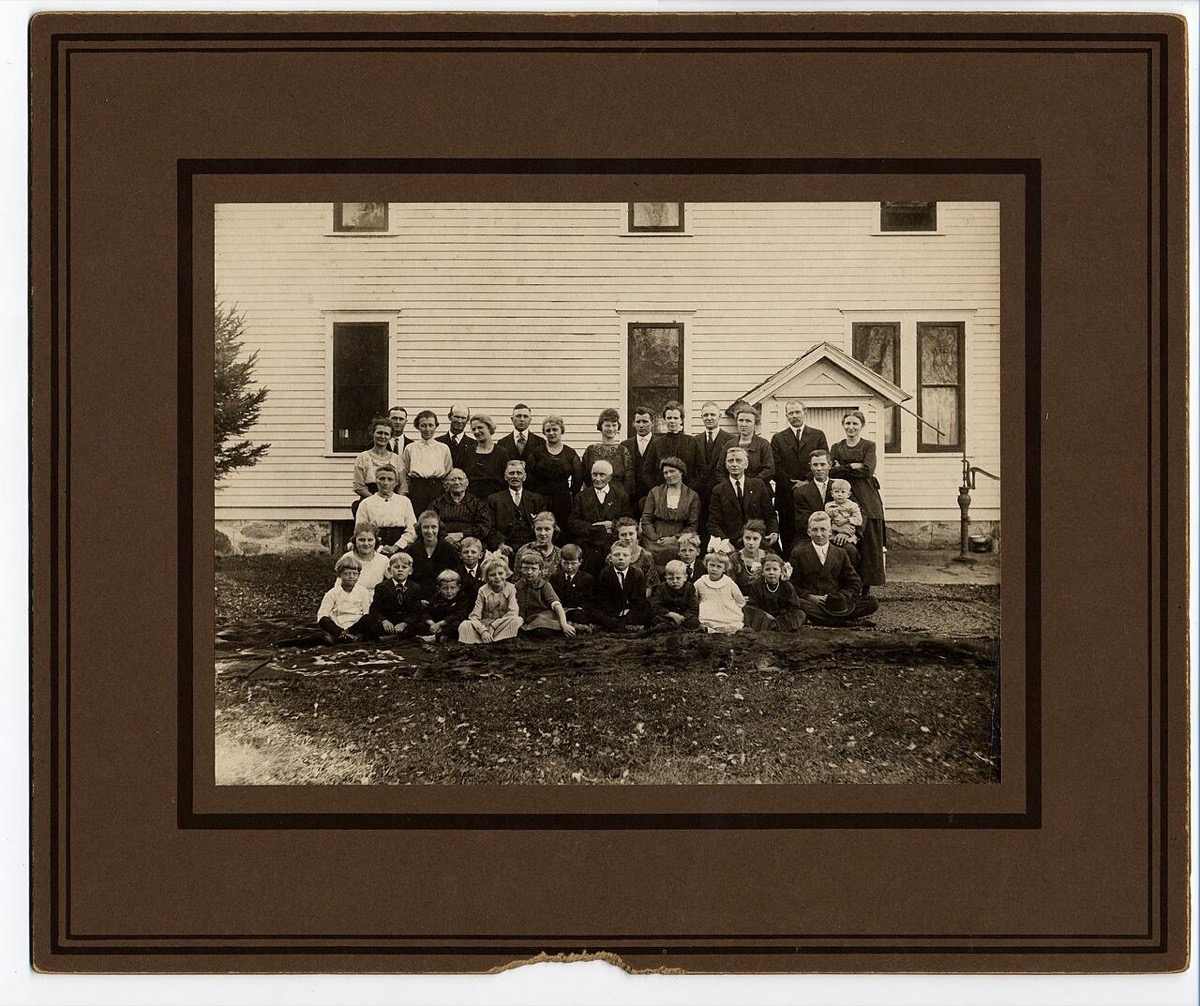
It's the photo the whole family will want, and it's usually taken at arm's length while half the group looks the other way. A few things make it work:
- Do it early, before older relatives and small children get tired.
- Find open shade for even light and no squinting. Patchy shade under a tree leaves bright spots on faces.
- Build rows. Chairs for the oldest relatives, children sitting on a blanket in front, everyone else standing behind with the tallest towards the centre. Steps or a porch make it easy.
- Stand a little higher than the group, on a step or a sturdy chair, so more faces fit.
- Take lots of shots, quickly. In a group of forty, someone always blinks. Burst mode helps.
- Get the photographer in too. Prop the phone on something steady, set the timer, and run.
Do the branch photos straight afterwards, while everyone is still in place.
Label who's who while you can
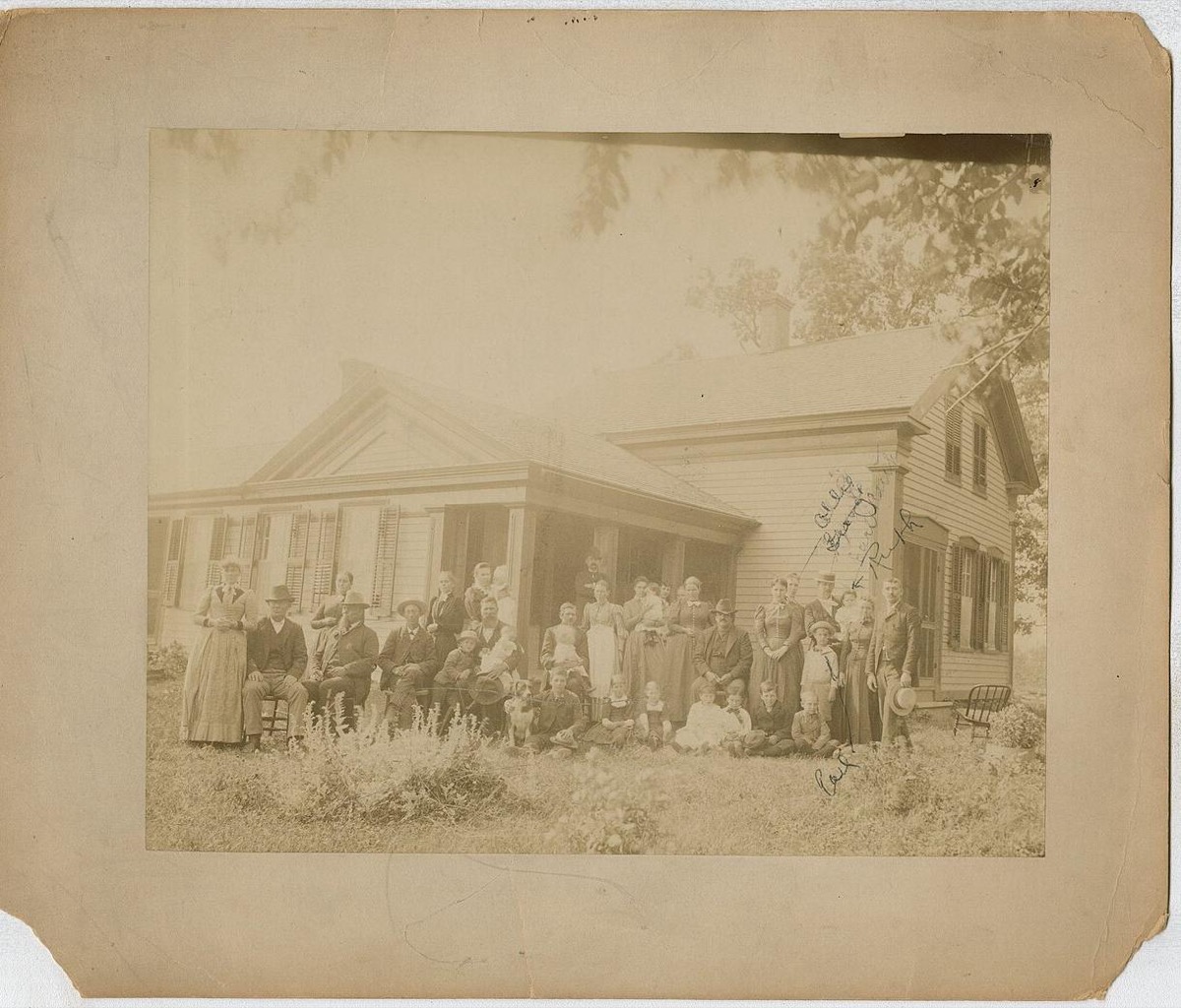
Every family has a box of old photos full of faces nobody can name any more. Make sure today's photos don't join them.
- Write names into the album the same evening, while you still remember who the cousin's new partner was. Archivists suggest recording who, what, where and when.
- For prints, write on the back in soft pencil: names, the event, the place and the date. Pens and markers can damage photos.
- Ask the oldest relatives to name the people in the old photos, and write it down.
The old photos people bring
Set up a photo table with the albums, a phone scanning app or a flatbed scanner, and someone to keep things in order. Fragile prints go on a flat scanner, never through a feeder. Keep the originals afterwards, since digital files get lost too. Archivists suggest three copies, on two kinds of storage, with one kept somewhere else.
Record the stories too. A phone on the table while a grandparent goes through an album catches things no caption will.
How to collect everyone's photos
The family group chat
Easy if everyone is in it, but at a reunion they rarely are. Photos trickle in from the same few people, and relatives outside the chat never see them.
A shared album
Familiar and free. An iPhone shared album made on iOS 27 holds up to 100 people, including the owner; here's how to make one. In Google Photos, anyone with an album's link can view and add to it, and you can print its QR code. The catch: people have to remember to add their photos afterwards, and some don't. An album is also a good home for the scanned old photos. Going away together for a family holiday instead? Here's how to set up a shared album for a group trip that people actually add to.
Real disposable cameras
Fun on the picnic tables, and kids love them. But someone has to collect them and get them developed. Here's where to develop them.
One shared camera
Everyone joins one camera from their own phone, and every photo lands in one place as it's taken. This is how SEENCAM works, and it suits a reunion because grandparents and great-aunts don't have to install anything or make an account.
Want to try it? SEENCAM gives your guests one QR code. They shoot from their own phones with no app to download, and every photo develops together when the roll opens. Free for up to 10 guests.
Get SEENCAM on the App StoreSetting it up with SEENCAM
- Create a roll in the SEENCAM app on your iPhone, named after the family and the year.
- Choose the rules: how many shots each guest gets, when shooting stops, and when the photos appear: during the reunion, when it ends, or 12 or 24 hours later.
- Share the code. Put the link in the invitation, and print the QR code for the welcome table and the food table.
- Everyone shoots from their own phone. Guests don't need an iPhone: on iPhone the camera opens as an App Clip, and on any other phone it opens in the browser.
- The roll opens for everyone at once, at the time you chose. Save your favourites or the whole roll.
Why it suits a family reunion
- Everyone finds themselves. Guests who take a selfie when they join can find every photo they're in, even ones a cousin took. The matching happens on their phone, and faces are never uploaded.
- A reveal after everyone's home. Set the photos to appear 12 or 24 hours later, once people have driven or flown home.
- Messages for the family. Guests can leave the host a voice note of up to 12 seconds, sealed until the reveal. Ask each relative for a favourite family memory.
- It stays in the family. Rolls are invite-only, and the host can set the roll so each guest sees only the photos they're in.
- The extras. Eight film camera looks, a 4-second clip when you hold the shutter, and writing on photos, which is handy for names.
For relatives who couldn't come, save the best photos and send them on. Throwing a party for a graduate in the family? There are ideas for that in graduation party photo ideas. Hosting a big Thanksgiving or holiday gathering instead? The same plan works, and there's a shot list in Christmas party photo ideas.
Wording for the invitation and the table
- "Bring your old family photos! We'll have a table to scan them and put names to faces."
- "Big family photo at 2 p.m. by the porch. Please don't leave before it!"
- "Scan to join the family camera. No app needed. The photos open tomorrow morning."
Group size and cost
Every roll is free for up to 10 guests. Most reunions are bigger, so the host buys a bigger roll once, for up to 25, 50, 100, 150 or 200 guests or unlimited, with no subscription, and can add more guests after the roll has started. Guests never pay.
Sources
- Five Easy Ways to Enrich Your Family Reunion, FamilySearch
- Family History Preservation: Preserving Photos, FamilySearch
- Digitizing Family Papers and Photographs, U.S. National Archives
- How to Take a Group Photo (Poses, Composition & Lighting), ExpertPhotography
- Shared Albums limits, Apple Support
- Share photos & videos, Google Photos Help
Related guides
One camera for the whole family
Start a roll on your iPhone, share one code, and every relative's photos develop together when the roll opens. Free for up to 10 guests.
Get SEENCAM on the App Store