Shared photo album for a group trip: how to set one up people use
Updated 18 November 2026
Make one shared album before you leave, post the link in the group chat, and ask everyone to add their best photos each evening. On iPhone with iOS 27 an iCloud Shared Album now works for Android friends too; Google Photos works for any mix of phones. Agree on it early, because after the trip almost nobody uploads.
Set it up before you go
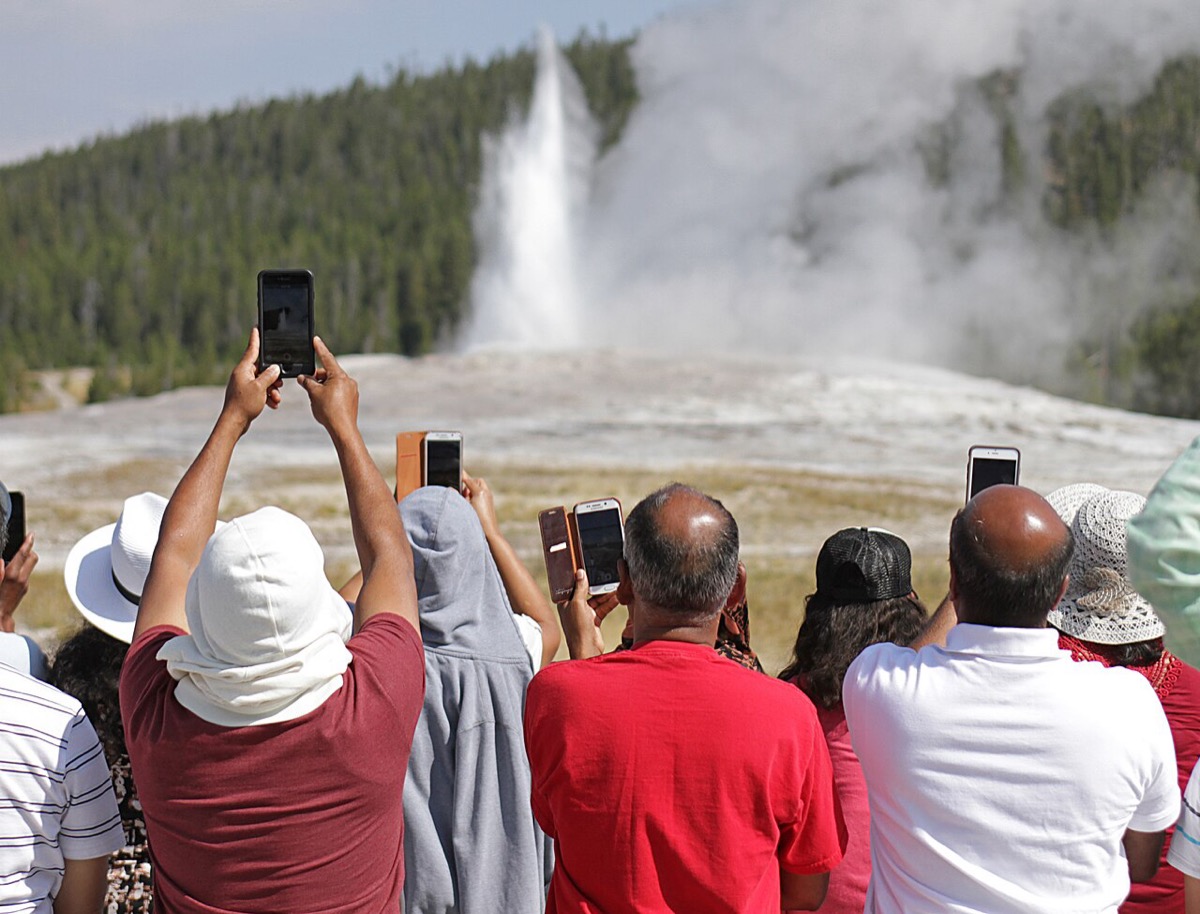
The trip photos that never get shared are the ones nobody asked for until a week later. By then they're buried under work photos and screenshots, and "I'll send them tonight" quietly becomes never. So decide three things before the first flight:
- One place. Pick one album, not one per person or one per day. A group chat, an iCloud album and a Google album all at once means nobody knows where the good ones are.
- One owner. Someone creates it and keeps an eye on it. On some services, that person's storage pays for everything (more on that below).
- One link, pinned. Post it in the trip's group chat before you leave, and pin it if your chat app allows. Name the album with the place and dates, like "Lisbon, May 2027", so it's easy to find in a year.
Which shared album to use
It mostly depends on which phones your group has.
| Option | Works for | Quality | Whose storage | Limits |
|---|---|---|---|---|
| iCloud Shared Album (made on iOS 27) | iPhone, plus Android and others through the link on the web | Full resolution | The owner's iCloud, including everything others add | Up to 100 people |
| iCloud temporary Shared Album | As above | As above | Doesn't count toward storage | Up to 5,000 items; deleted after 30 days |
| Google Photos shared album | Any phone, through the app or the link | Google doesn't specify for albums | Google storage | Up to 20,000 items |
| Group chat | Everyone, already | Usually compressed | Each phone | Photos scroll away fast |
- All iPhones, or mostly: an iCloud Shared Album. Since iOS 27, Apple says friends can join and add photos on the web without an Apple Account or Apple device. Friends whose iPhones aren't on the latest software have to update or view the album on iCloud.com. Albums made on iOS 26 or earlier work the old way: photos shrink to 2048 pixels on the long side and videos to 720p.
- A real mix of phones: Google Photos is the long-standing choice. Anyone with the link can view and add, and you can make a QR code for the album. Our guide to shared albums for iPhone and Android compares the two in detail.
- The group chat is where photos get shared in the moment, and that's fine, but it isn't an archive. WhatsApp's own HD option still compresses photos, so treat the chat as the preview and the album as the copy you keep.
Whose storage it fills
This is the part that surprises people. On an iCloud Shared Album made on iOS 27, everything anyone adds counts toward the owner's iCloud storage, and Apple's free plan is 5 GB. A week of full-resolution photos and videos from a whole group can fill that. Either the owner has room on a paid plan, or you make the album temporary: it doesn't count toward anyone's storage, but it's deleted after 30 days, so everyone has to save what they want by then.
Google accounts come with up to 15 GB shared across Gmail, Drive and Photos, and Google says photos you save from someone else's album count toward your own storage.
A nightly routine

The habit that makes a trip album work is small: every evening, everyone adds their best ten from the day. It takes two minutes over dinner or at the hotel, while everyone still remembers which photo was good.
- Best, not all. Forty near-identical shots of the same sunset make the album hard to enjoy. Add the keepers and the funny ones.
- Use the hotel Wi-Fi if your data abroad is limited. Videos are large.
- On the last day, iPhone users on iOS 27 can tell iCloud Photos to sync straight away: Settings, your name, iCloud, Photos, then Sync Immediately and For Today. Apple warns this can use more data if Photos is allowed to use cellular.
- Swap photos in person, too. At dinner, the quickest way to send a few photos to the person next to you is often AirDrop or Quick Share. Here's how to AirDrop photos to a group, including Android phones.
- Nudge, kindly. One message in the chat on the last evening ("add your favourites tonight, I'll make the slideshow on Sunday") gets more photos than three reminders a week later.
Want to try it? SEENCAM gives your guests one QR code. They shoot from their own phones with no app to download, and every photo develops together when the roll opens. Free for up to 10 guests.
Get SEENCAM on the App StoreAfter the trip
- Save what you want to your own library. Apple says photos you've saved from a shared album stay in your library even if the album is later deleted. Deleting the album deletes everything in it for everyone.
- Set a deadline for last uploads, like the Sunday after you get home. A temporary iCloud album needs everyone to save their copies within its 30 days. More on when shared albums expire.
- Make something from it. A short slideshow or a printed book gets the album looked at again. A shared album nobody opens after the first week is the usual ending.
A shared camera for the trip
A shared album only holds what people remember to upload. The other way is to shoot into the shared place in the first place. SEENCAM is a shared disposable camera: you start a roll in the iPhone app and share one link or QR code in the group chat. Everyone shoots on their own phone, with no app to download and no account: the camera opens as an App Clip on iPhone and in the browser on any other phone. Every photo goes straight into the roll, so there's nothing to upload later.
You choose how many shots each person gets and when shooting stops, such as the last night of the trip. You also choose when the photos appear: as you go, when the roll ends, or 12 or 24 hours later, so you can all open the whole trip together on the flight home. Anyone can take one selfie to find every photo they're in, and you can turn the roll into a reel for Instagram Stories.
It works alongside the album, not instead of it: the roll is the trip seen through everyone's phones, and the album still holds the photos people take on their normal cameras. Every roll is free for up to 10 people. A bigger group is a one-time purchase for that roll, with no subscription, and guests never pay.
Sources
- Shared Albums limits, Apple
- How to use Shared Albums in Photos on your iPhone, iPad, or Apple Vision Pro, Apple
- Set up and use iCloud Photos, Apple
- Share photos & videos, Google Photos Help
- Create & edit photo albums, Google Photos Help
- WhatsApp now lets you send photos and videos in original quality, MacRumors
Related guides
Shoot the whole trip into one roll
Start a roll on your iPhone and share one link in the group chat. Everyone shoots on their own phone, and the whole trip opens together when you choose. Free for up to 10 people.
Get SEENCAM on the App Store