Do wedding hashtags still work? What they catch and what to use instead
Updated 5 November 2026
They still work, but only for photos guests post publicly, which is a small part of what they take. Keep one if you like it, and give guests a separate way to send you everything else.
What a hashtag catches, and what it misses
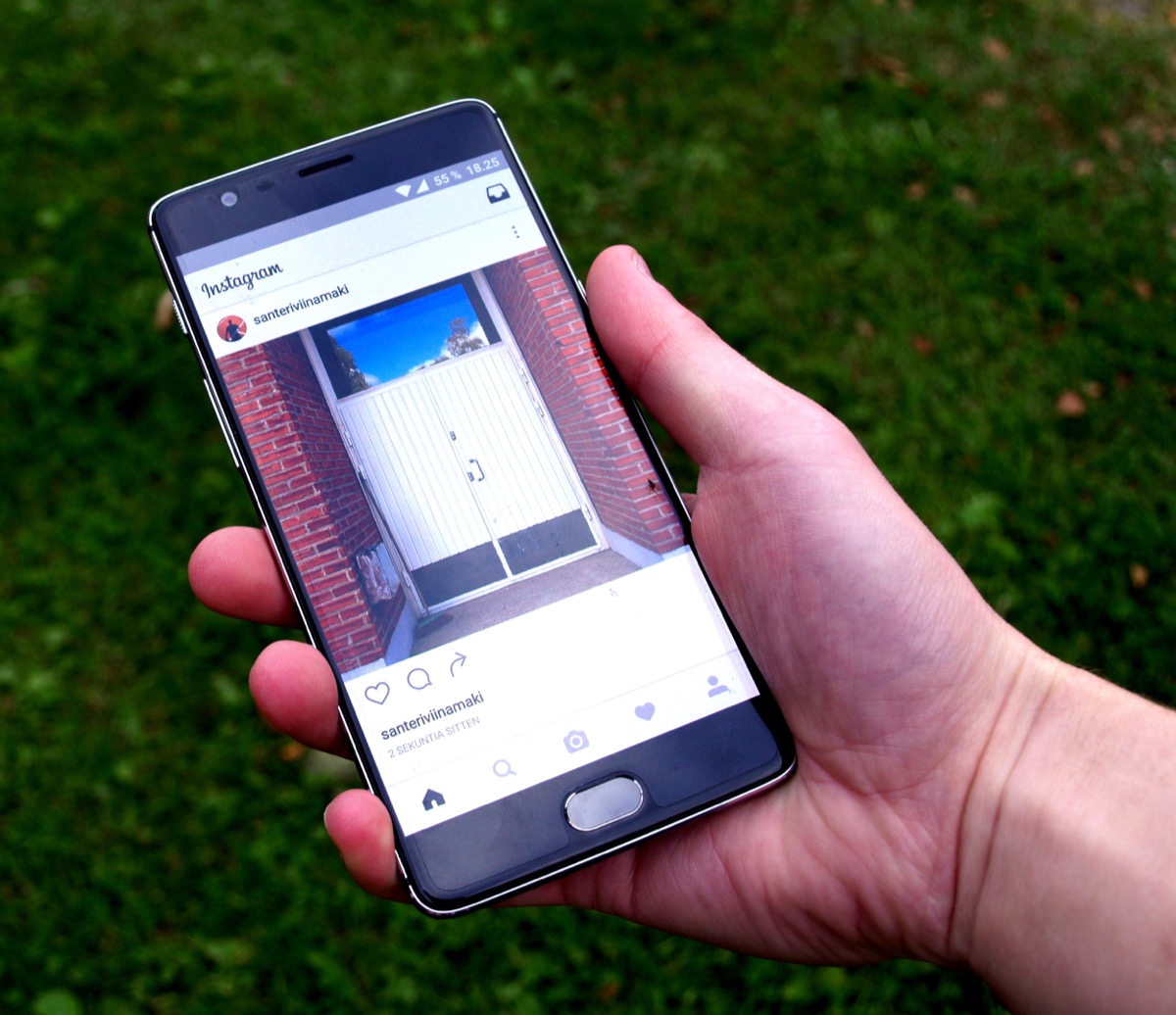
A hashtag is a search term. It finds posts that someone chose to publish, with that tag typed in, from an account the public can see. For it to pick up a photo from your wedding, a guest has to do all of that. Each step loses photos:
- Guests who don't post. Plenty of people take dozens of photos at a wedding and share none of them. Some aren't on social media at all.
- Private accounts. On Instagram, a post from a private account doesn't appear on the hashtag page, even with the right tag on it.
- Stories. Instagram Stories disappear after 24 hours unless the person saves them to a highlight. A lovely clip of your first dance can be gone by the time you're on the plane.
- The tag itself. A guest who forgets it, or types it slightly wrong, never appears in your search.
- The photos they didn't pick. Guests post their one best picture. The blurry dance floor shot and the candid of your grandfather, the ones you'd love most, stay in their camera roll.
Even when a post does reach you, it's a post: often cropped or filtered for the feed. If you want a print, you'll still need to ask that guest for the original.
Why hashtags gather less than they used to
Part of it is how people share now. Inside Weddings puts the decline down to social media habits more than taste: guests share to Stories rather than the feed, and algorithm changes have made hashtags less useful for gathering photos.
Instagram has also moved hashtags down its list of priorities. In late 2024 it removed the option to follow a hashtag, though you can still add one to a post and search for it. In December 2025 it announced a limit of five hashtags per post and reel, rolling out gradually. Neither change stops your wedding hashtag from working, since you can still search it. But the feature has become a smaller part of the app.
Fashion has moved too. In a small PureWow reader survey from 2022, over 85 percent of the 100 people who answered said the trend was over, while the same article cites a Zola survey in which 33 percent of couples still planned one. Neither is a scientific picture of today, and you don't need one. If you like the idea, nobody at your wedding will mind.
When a hashtag is still worth having

A hashtag costs nothing and can still do a few small things well:
- Your friends post a lot. If your crowd shares everything publicly, a tag brings those posts together in one search.
- You want a keepsake of the public posts. It's a pleasant thing to scroll through a year later, in the same way as a guest book.
- It's part of the fun. A good pun on a sign gets a laugh, and it costs one line on the card.
If you're keeping one, search for it on Instagram before you print anything. Common name combinations are often already taken, and you don't want a stranger's holiday mixed in with your wedding. Keep it short enough to type on a phone after two glasses of champagne, and put it on the sign exactly as it should be typed.
What to use alongside it
A hashtag is best treated as an extra. To actually collect the photos, you need one place that doesn't depend on people posting in public. There's more detail in how to collect wedding photos from your guests, but these are the usual choices:
A shared album
Free and familiar. An Apple shared album lets people add their own photos and videos, and on iOS 27 friends and family can join and contribute on the web without an Apple Account or Apple device. Google Photos albums can be shared by link or QR code, and the people you share with can add to them. The catch is timing: if guests add photos afterwards, some will forget. Here's how to ask for photos after the wedding.
Real disposable cameras
Fun on the tables, with a look people love. But someone has to collect them and get them developed, and you see nothing until that's done. Here's how many you'd need.
A QR code that opens a camera
Guests scan one code and shoot straight into your wedding's roll. Photos are collected as they're taken, whether or not the guest would ever post them, and nothing depends on anyone remembering later. This is the idea behind a disposable camera app, and SEENCAM is one.
Want to try it? SEENCAM gives your guests one QR code. They shoot from their own phones with no app to download, and every photo develops together when the roll opens. Free for up to 10 guests.
Get SEENCAM on the App StoreWording for the sign
Put the place for photos first and the hashtag second, so nobody thinks posting is the only way to share. Copy and adjust:
Took a great photo? Scan here to add it to our wedding album. Blurry and silly ones welcome. Posting too? Use #YourHashtagHere
If you'd like to share the first pictures yourselves, add one more line:
Please hold off on posting until we've shared ours. Thank you!
You can make a printable version with the wedding QR code sign maker, and here's where to place the codes so guests actually see them.
How SEENCAM fits with a hashtag
You start a roll on your iPhone and share one QR code or link. Guests scan it and shoot from their own phones, with no app to download and no account: the camera opens as an App Clip on iPhone and in the browser on any other phone. They don't need to post anything, or have a social media account at all.
You choose when the photos appear: during the event, when it ends, or 12 or 24 hours later. Rolls are invite-only, so unlike a public tag, the photos stay among the people you invited, and you decide whether each guest sees every photo or only the ones they're in. Afterwards you can save your favourites or the whole roll, and turn it into a reel to post to your Instagram Story.
You can still print your hashtag for the guests who love to post. The two don't compete, and the roll catches the photos the hashtag never would.
Sources
- Who can see your private Instagram posts when you add a hashtag, Instagram Help Center
- Stories, Instagram Help Center
- Instagram Is Removing the Option To Follow Hashtags, Social Media Today
- Instagram limits number of hashtags to five per post, Social Samosa
- Why the Wedding Hashtag Trend Is Over, Inside Weddings
- Is the Wedding Hashtag Over?, PureWow
- How to use Shared Albums in Photos on your iPhone, iPad, or Apple Vision Pro, Apple Support
- How shared album controls give your photos more privacy, Google Photos Help
Related guides
Get the photos guests would never post
Start a roll on your iPhone and share one QR code. Every guest's photos land in one private place as they're taken. Free for up to 10 guests.
Get SEENCAM on the App Store