What size should a QR code be on a sign? A chart by distance
Updated 22 November 2026
Make the code at least one tenth of the distance people will scan it from: about 2 inches for a table card read from a chair, 4 inches for a welcome sign, 8 inches for a poster across the bar. Never go under 0.8 inch (2 cm), and go a size up if the link is long or the room is dark.
The 10:1 rule
The rule of thumb every QR guide repeats is a distance-to-size ratio of about 10 to 1. Bitly puts it simply: a code 1 cm wide should scan from 10 cm away, and for every foot of width, someone can stand 10 feet back. Bitly also gives a floor of 2 × 2 cm (about 0.8 × 0.8 inch) for most scanners to read.
Treat the ratio as a starting point for a well-lit, black-and-white code read head-on. Candlelight, glare and a long link all eat into it, which is why the chart below rounds up.
QR code size chart for event signs
The distances are typical, not measured at your venue. Stand where your guests will stand and check yours.
| Where the code is | Typical scanning distance | 10:1 minimum | Print at least |
|---|---|---|---|
| Table card or place card | 12–18 inches, from a chair | 1.2–1.8 in | 2 in (5 cm) |
| Welcome sign on an easel | About 3 feet, standing | 3.6 in | 4 in (10 cm) |
| Poster at the bar or photo wall | About 6 feet | 7.2 in | 8 in (20 cm) |
| TV or projector screen | About 15 feet, across the room | 18 in | 18 in or more |
"Print at least" means the code itself, not the card. The white border around it comes on top (more on that below). If people will scan from a queue, from the back of a crowd or at an angle, size for the farthest person, not the nearest.
Why a long link needs a bigger code
A QR code is a grid of small squares that DENSO WAVE, the company that invented it, calls modules. The grid grows with the amount of data in it: Version 1 is 21 modules across, each version adds 4 per side, and the largest, Version 40, is 177 across. More characters in your link means more modules.
The printed width stays the same, so the squares get smaller. Take a 2-inch code. At 29 modules across plus the white border, each square is about 1.4 mm. At 57 modules across, each is about 0.8 mm, a little over half the size, and a phone has to resolve every one of them. DENSO WAVE says larger modules are "more stable and easier to read," and recommends printing codes as large as the space allows.
- Use the shortest link you have. If your album or camera gives you a short link, make the code from that rather than a long address with tracking on the end.
- Leave error correction at the default. Codes can be made to survive about 7%, 15%, 25% or 30% damage. DENSO WAVE says the 15% level is the one most often used. Higher levels pack in more modules, which makes a small code harder to read, so only raise it for a sign that will get handled or wet, and print it bigger.
- Count what you can. If you hold the printed code at arm's length and can't make out the individual squares, a phone across the room won't either.
The white border counts too
DENSO WAVE says a QR code needs a clear margin, four modules wide, on every side. Nothing goes in it: no frame, no text, no photo, no edge of the card. On a 2-inch code that border is roughly a quarter of an inch on each side, so the space you need on the card is closer to 2.5 inches.
A border trimmed away by a frame or a cutter is one of the most common reasons a code that worked on screen fails on the table. If it isn't scanning on the day, our guide to an iPhone camera not scanning a QR code goes through the other causes.
Want to try it? SEENCAM gives your guests one QR code. They shoot from their own phones with no app to download, and every photo develops together when the roll opens. Free for up to 10 guests.
Get SEENCAM on the App StoreLight, glare and where the sign stands
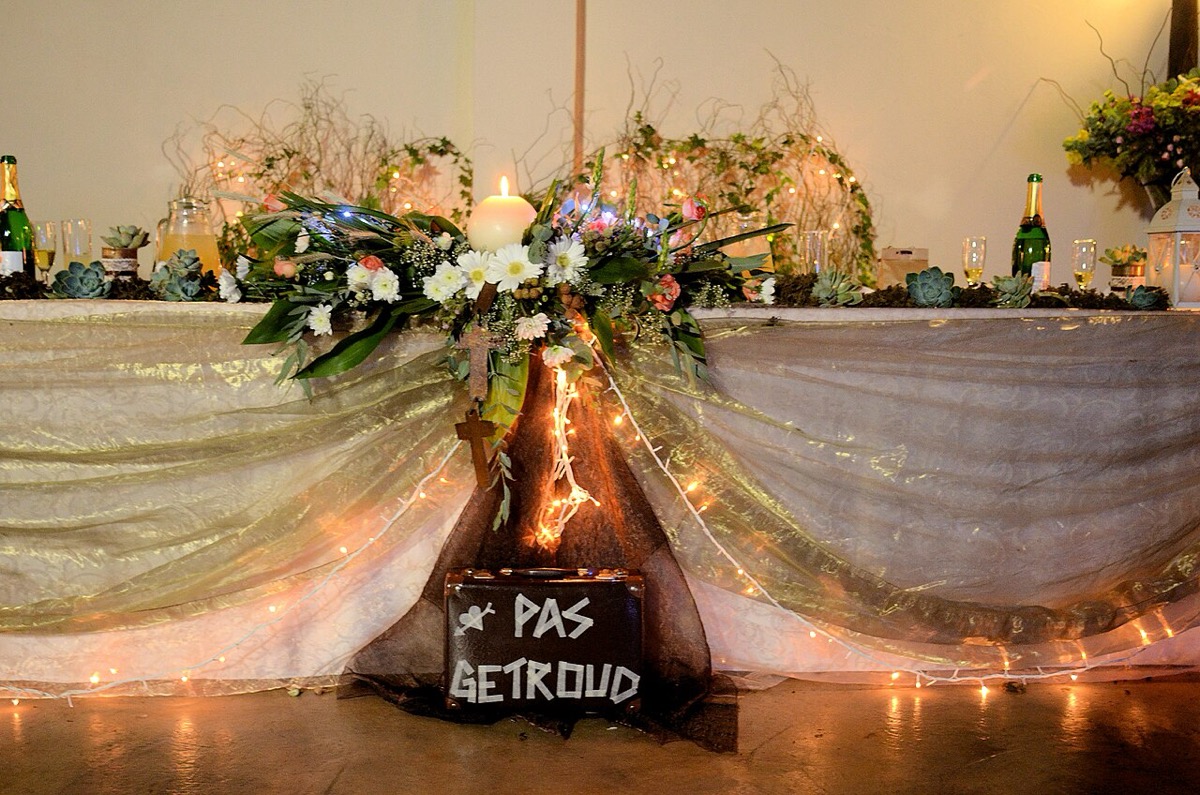
Size gets the code into range. Whether it scans in the room depends on the room.
- Put signs in the light. A head table lit by candles and fairy lights looks lovely and is a hard place to scan anything. Give the sign its own lamp, or put it where the room's light falls.
- Choose matte. Glossy paper, lamination and glass frames bounce candlelight straight back into the camera.
- Raise it up. A sign propped on the floor makes everyone bend down and scan at a steep angle. Put it at chest height on an easel or a table.
- Print more than one. A code on every table beats one big sign by the door, because nobody has to get up.
- Print the link under the code, for the guest whose phone won't cooperate.
Test it before you print a stack
- Print one copy at the final size, on the paper you'll use.
- Stand where a guest will stand, or sit in a chair for a table card.
- Scan it with an iPhone and an Android phone, ideally older ones, in light like the evening's.
- Check that it opens the right page, all the way through, before you print the rest.
If it takes more than a second or two to scan, make it bigger or move it into better light. Guests give a code one try.
One code for everyone's photos
If the code is there to collect photos, SEENCAM makes it the whole job. SEENCAM is a shared disposable camera for weddings and parties. The host starts a roll in the iPhone app and shares one QR code or link. On an iPhone, scanning the code opens the camera as an App Clip; on Android and other phones, it opens in the browser. Guests shoot straight into the roll, with no app to download and no account.
Because the roll has a link as well as a code, you can send it before the day and print the code for the tables. The free wedding QR code sign prints an 8 × 10 inch sign with your names, your link and your choice of wording, and the photo scavenger hunt puts a code on every card. Every roll is free for up to 10 guests. A bigger party is a one-time purchase for that roll, with no subscription, and guests never pay.
Sources
- Information capacity and versions of the QR Code, DENSO WAVE (QRcode.com)
- Point for determining the code area, DENSO WAVE (QRcode.com)
- Point for setting the module size, DENSO WAVE (QRcode.com)
- Error correction feature, DENSO WAVE (QRcode.com)
- What's the Minimum Size for a QR Code?, Bitly
Related guides
A code on every table
Start a roll on your iPhone, print its QR code for the tables and send the link too. Guests shoot from their own phones, with nothing to install. Free for up to 10 guests.
Get SEENCAM on the App Store