Lense app alternative: how SEENCAM compares
Updated 5 November 2026
Lense is a strong choice if you want guests to upload from their camera rolls, film longer videos, or show photos on a live wall. SEENCAM gives you more free guests and eight film looks, and adds face finding and voice notes, but its hosts need an iPhone.
What Lense does well
We make SEENCAM, so read this with that in mind. What we say about Lense comes from its App Store listing and its own website, read on 5 November 2026. We didn't run a paid event on it, and prices change, so check before you buy.
Lense has been on the App Store since 2023, with 1,524 ratings averaging 4.9, far more than SEENCAM, which arrived in September 2026. Hosts can use iPhone or Android. Guests can shoot in the app's camera or upload from their camera roll. A Live Photo Wall comes with every event, there's a built-in filter for inappropriate content, and photos taken offline upload later. Video of up to a minute is available as an add-on.
The two apps side by side
| Lense | SEENCAM | |
|---|---|---|
| Free | Up to 7 guests | Up to 10 guests |
| 25 guests | $4.99 | $4.99 |
| 50 guests | $14.99 | $14.99 |
| 100 guests | $34.99 | $29.99 |
| 150 guests | $44.99 | $59.99 |
| Shots per guest | 25 by default. Unlimited costs more: for example $24.99 at 50 guests | You choose 6, 12, 18 or 24, at no extra cost |
| Video | Up to 1 minute, a $9.99 add-on | 4-second clips, included |
| When photos appear | Instantly, after a delay you set, or a private album | During the event, when it ends, or 12 or 24 hours later |
| How long photos stay | 12 months from the event | Until the host deletes the event |
| Guests need an app? | No | No |
| Host's phone | iPhone or Android | iPhone only (iOS 17 or later) |
| Languages | 4 | 15 |
Prices are the US App Store's, as listed for each app on 5 November 2026. Lense also takes bookings on its website, where the price may differ.
Where they differ
Price. The two match at 25 and 50 guests. SEENCAM costs less at 100, and Lense costs less at 150. If you need more than 25 shots each or long video, add Lense's upgrades to the sum.
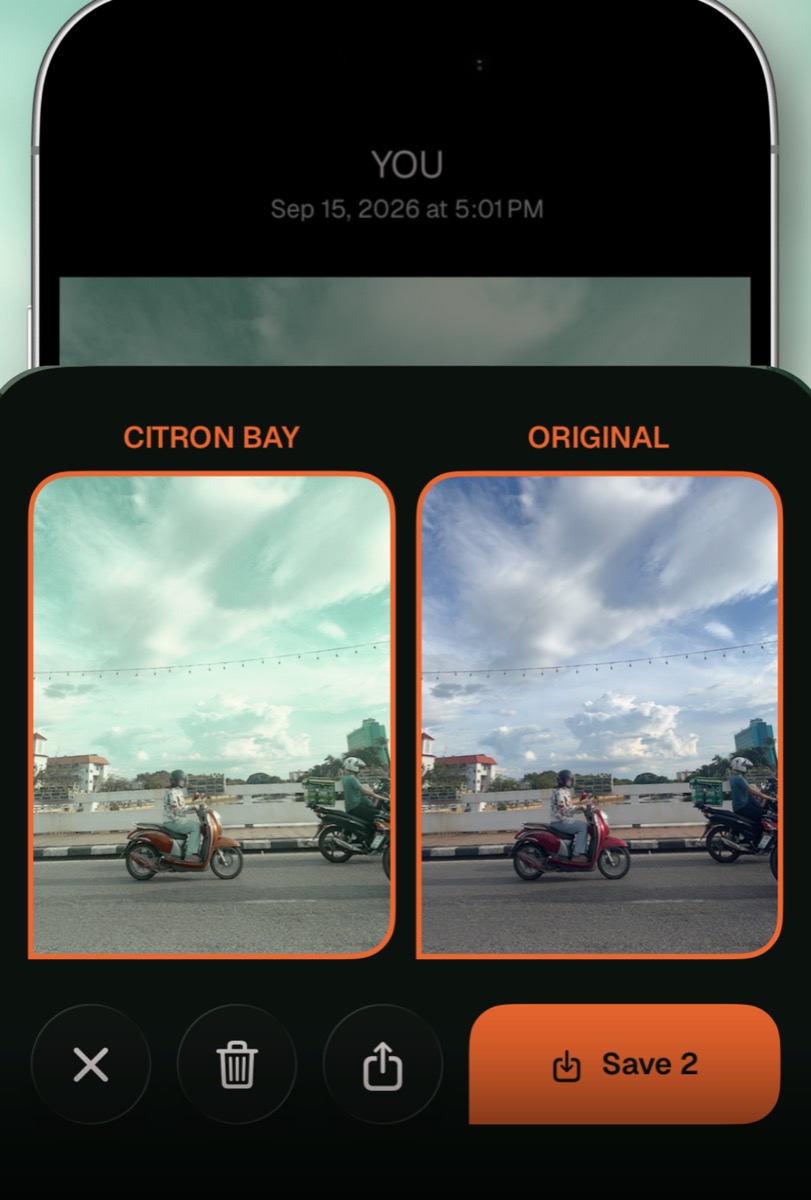
The look of the photos. Lense offers a disposable camera filter. SEENCAM has eight film cameras to roll through, and you can save the original too.
After the party. A SEENCAM guest can take a selfie and find every photo they're in, with the matching done on their phone. Guests can also leave the host a voice note of up to 12 seconds. We didn't see these on the Lense pages we read.
Before the party ends. Lense is ahead if you want a live photo wall on a screen, or photos people have already taken added from their camera rolls.
Which one to pick
- Lense if the host uses Android, you want a live wall or camera roll uploads, or you're hosting around 150 people.
- SEENCAM if you care most about film looks, want guests to find their own photos, or have guests who need a language Lense doesn't cover.
Want to try it? SEENCAM gives your guests one QR code. They shoot from their own phones with no app to download, and every photo develops together when the roll opens. Free for up to 10 guests.
Get SEENCAM on the App StoreHow to test both
Both have a free tier, so you can try them with friends before you pay for anything.
- Make a free event on each, a week or two before the real one.
- Scan the code on someone else's phone, ideally one iPhone and one Android, with no help from you. Count how long it takes them to take a photo.
- Shoot in the dark. Weddings and parties end in low light, so try the camera in a dim room.
- Wait for the reveal, then download everything. Check that you get all the photos, and at what quality.
Our guide to what to look for in a wedding photo sharing app has more questions to ask, and our POV comparison covers the other big name.
Sources
- Lense: Disposable Event Camera, Apple App Store
- App Clips, Apple Developer
Related guides
Try it on a small roll first
Start a roll on your iPhone and send the code to a few friends. Free for up to 10 guests, and guests never need the app.
Get SEENCAM on the App Store